Talk to the agent on your own Mac.
Double-tap your earbuds and Claude Code, on the Mac at home, starts listening. Ask it to run the tests, fix what broke or start the next task, from a walk, the gym or the car.

You say
“Is the build still passing?”
How it works
Tap, talk, listen.
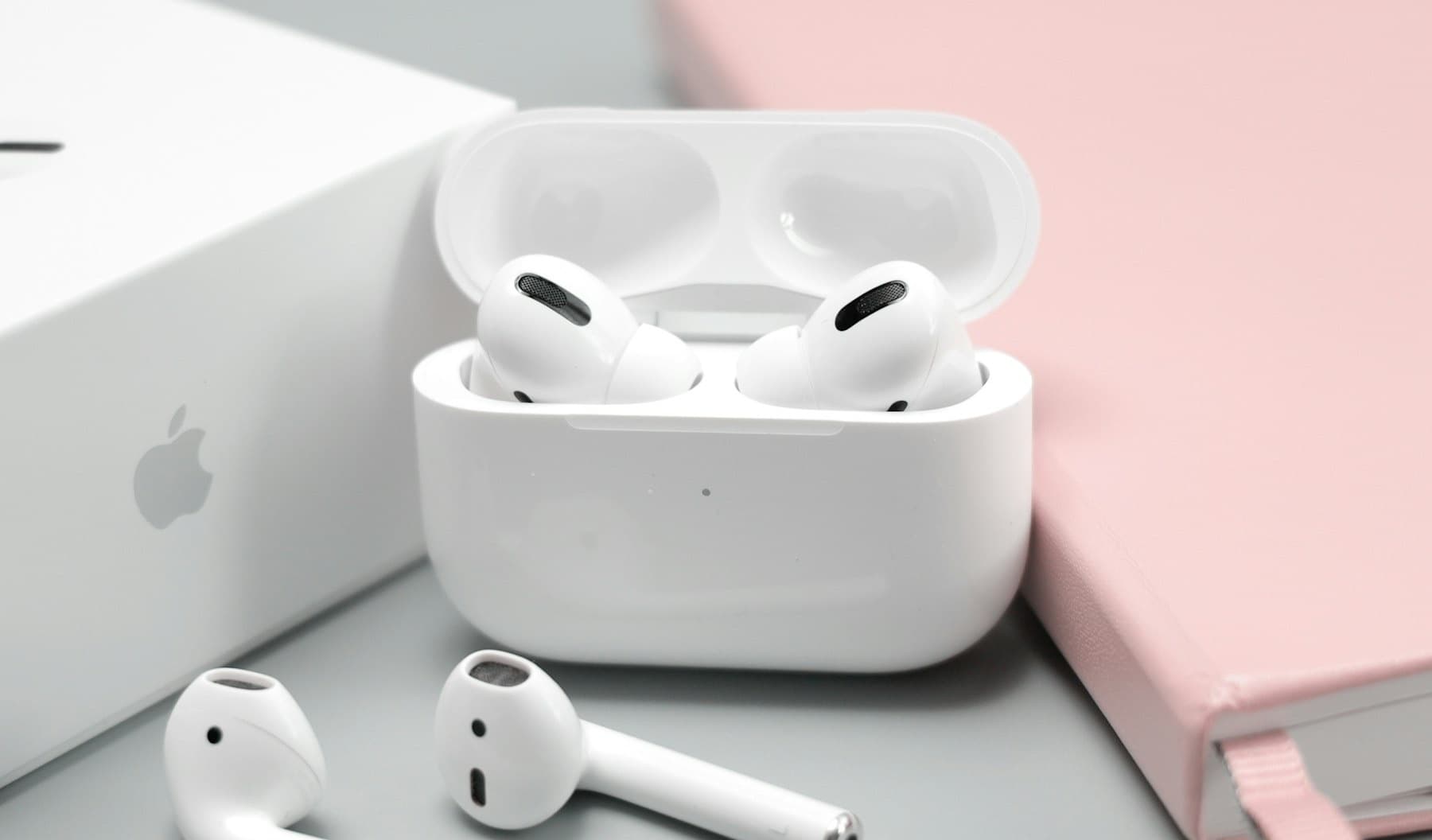
1Tap your earbud
Double-tap, and your phone stays locked in your pocket. There is no wake word, so nothing listens until you tap.
2Say what you need
Your Mac turns your voice into text, right there at home. Then Claude Code does the work, in your own files.
3Hear the answer
The reply is read into your earbuds as it is written. Tap once to stop it.
Anywhere
For when your hands are busy.
Your Mac keeps working while you are away from it. You just talk.

Out for a run
“Run the tests and tell me what failed.”

Cooking dinner
“Fix the first one, then commit it.”

On the sofa
“What changed in the project today?”
Photos: Vitaly Gariev and Nguyễn Hiệp on Unsplash
Speak the way you speak
Mix languages in one sentence.
English, Mandarin and Malay, even all three in one breath. Audon was built in Malaysia, where that is simply how people talk, and it is built for exactly that.
“帮我 check 一下 the build, ada error tak?”
Privacy
Your voice goes to your Mac. Your words go to Claude.
Your voice goes only to your Mac
Your Mac turns speech into text itself. With the default settings, no cloud service ever hears your voice.
Your words go to Claude
The same as typing into Claude Code. Claude, at Anthropic, does the thinking, and sees the files it reads to answer you.
Away from home, it is sealed
Your phone reaches your Mac through Audon's relay, encrypted end to end. The relay passes it on but cannot read it.
Good to know
What it cannot do yet.
- Your Mac has to stay awake
- It is your Mac doing the work, so it needs to be on.
- It needs Claude
- If Claude is down, or you hit your usage limit, Audon hears you fine but has no one to ask.
- Knowing your voice is not a lock
- Someone else's voice gets a chat, not your files, but that is a request to the AI, not a lock. A recording of you could get through, so keep your phone with you.
- Long pauses can end your turn
- Pause too long mid-thought and it may decide you have finished. Tuning it to your voice helps, but does not remove it.
Writing
Notes from building it.

Be the first to try it.
Audon already works on a real iPhone and Mac, but it is not in the App Store yet. Leave your email and you will get one message when you can install it.